Module I
v Excel
Ø Apply Custom Formats and Layouts
· Apply Custom Data Formats
· Use Advanced Fill Options
· Apply Advanced Conditional Formatting and Filtering
· Apply Custom Styles and Templates
· Use Form Controls
· Prepare Workbooks for Internationalization
· Use Outlines
· Use Custom Views
· Conditional formatting
Ø Create advanced formulas
· Functions
· Apply functions in formulas
· Mathematical Functions
· Financial functions
· Useful Data Functions
· Some Other Useful Functions
· Look up data by using functions
· Apply advanced date and time functions
· Functions for Manipulating Text
Ø Create sheets
· Salary sheet,
· attendance sheet.
· busbooking sheet.
· booking sheet
· Monthly budget
· (personal, company, wedding)
· Discount sheet
· Commission sheet
· Lookup .
· Hlook-up.
· VLOOKUP.
· Sum, sumif, sumifs,
· Counta, countif, countifs,
· If, ifs, and, or, formula
Ø Use of Scenario
· Create Scenario Summaries
· Create Advanced Charts
· Basic Excel Charts
· Use Area, Scatter & Stock Charts
· Use Surface, Radar & Combination Charts
· Create Custom Chart Templates
· Work with Sparkline’s
· Hyperlinks
· Data entry from
· Text to columns
· Flash feels
· Data validation
· Goal seeks
Ø Pivot tables & charts
· PivotTables
· Use Pivot Charts
· Timeline chart
· Slicer
Ø Manage and Share Workbooks
· Manage Workbook Versions
· Copy Styles within Workbooks
· Copy Macros within Workbooks
· Use Track Changes and Comments
· Merge Workbooks
· Protect Workbooks for Sharing
· Connect To External Data
Module II
v SQL
o Topics
§ Ø Introduction to SQL & Databases
· What is SQL and its purpose?
· Understanding relational databases
· Setting up MySQL (or your preferred SQL environment)
Ø Creating and Managing Databases
· Creating a database
· Setting default schema
· Dropping a database (and why to be careful)
Ø Creating and Managing Tables
· Creating tables with different data types:
· INT, VARCHAR, TEXT, ENUM, DATE, TIMESTAMP
· Applying constraints:
· PRIMARY KEY, AUTO_INCREMENT, NOT NULL, UNIQUE, DEFAULT
· Foreign keys and referential integrity:
· Defining foreign keys
· Altering tables:
· Adding, dropping, modifying columns
· Renaming tables
Ø Inserting Data
· Insert data into tables:
· Without specifying columns (full insert)
· Best practice: specifying columns
· Inserting multiple rows at once
Ø Querying Data
· SELECT basics:
· Selecting all columns vs specific columns
· Filtering data using WHERE:
· Comparison operators (=, !=, <, >, <=, >=)
· Handling NULL values
· Using BETWEEN, IN, LIKE for filtering
· Combining conditions with AND, OR
· Sorting with ORDER BY
· Limiting results with LIMIT
Ø Updating and Deleting Data
· Updating rows using UPDATE
· Deleting rows using DELETE
· Deleting all rows but keeping table structure (TRUNCATE)
· Dropping tables
· Best practices to avoid accidental data loss
Ø Joins and Combining Data
· Understanding why joins are used
· Types of joins:
· INNER JOIN
· LEFT JOIN
· RIGHT JOIN
· (Overview of FULL JOIN)
· Using JOIN with ON and USING
· Cross joins and self joins
· Practical examples
Ø Using Subqueries
· What are subqueries?
· Types of subqueries:
· Scalar, row, and table subqueries
· Subqueries in WHERE, FROM clauses
· Examples and when to use subqueries vs joins
Ø SQL Functions
· Aggregate functions: COUNT(), SUM(), AVG(), MIN(), MAX()
· String functions: LENGTH(), LOWER(), UPPER(), CONCAT()
· Date functions: NOW(), CURDATE(), YEAR(), DATEDIFF()
· Mathematical functions: ROUND(), CEIL(), FLOOR(), MOD()
· Conditional functions: IF()
Ø Date Conversion and Formatting
· Converting strings to dates
· Formatting date outputs
· Calculating date differences
Ø Exploring Database Structure
· Listing all tables in a database:
· Viewing the structure of a table:
· Using these commands to understand existing databases
Exporting and Importing Data
Ø Introduction to EER Diagrams
Ø Practice exercises (provided separately)
Ø Sample databases for hands-on learning
Module III
v BI Tools :- Power BI
Introduction-Power BI Desktop
Ø Overview of PowerBI
Ø Installation
Ø Settings
Data Transformation
Ø Types of Data Source Connection
Ø Loading Data
Ø Query Editor
Ø Groups
Ø Transform Data
Power Query
Ø Remove rows & columns
Ø Replace Values & errors
Ø Conditional columns
Ø Custom columns
Ø Sorting & changing type of columns
Ø Filtering data
Ø Group by
Ø Merge & append query
Ø Pivot & Unpivot
Visualisation
Creating Charts & tables
Ø Bar chart, Area chart, funnel chart, Pie chart, Donut chart, ribbon chart, Waterfall chart,
Ø Scatter chart, Treemap, Map chart, Gauge chart
Ø Creating Tables with conditional formatting
Ø Creating Matrices with multiple drills
Ø Using filters & Slicers
Ø Using & modifying legends & Tooltips
Ø Using Drill through in multiple files & setting connection
Functions
Ø Making cards & using aggregate functions
Ø Date and time functions
Ø Calculated Columns
Ø Inserting measures
Ø Related functions
Making Dashboard
Ø Buttons, shapes, Images, Text box
Ø Q & A setup
Ø Creating reports & Publishing
Ø Using all charts & tables
Ø Slicers
Ø Narratives
· Key influencer Model
· Decomposition Tree model
· Data Modelling: Managing Data Relationship
· Creating calculated Measures
· Creating calculated columns
Dax query
Ø Operators , variables
Ø Text functions
Ø Filter functions
Iterator functions
Module IV
v Programming- Python
Note: If you are a beginner, my personal suggestion will be to learn Python instead of R- as its high in demand and beginner friendly. Also, it will help to solve Machine Learning problems
o Topics in Python:
§ Variables, Data types, Lists, Tuples, Dictionaries, Sets, Conditional expressions, Modules, Functions, Operators, if statements, Loops, classes and objects
§ Python libraries: Pandas and Matplotlib
§ Pandas: read/write csv, excel and JSON files, work with dataframe, data manipulation and analysis- Group by, Concatenate, Merge
§ Matplotlib: creating static, animated, and interactive visualizations in Python
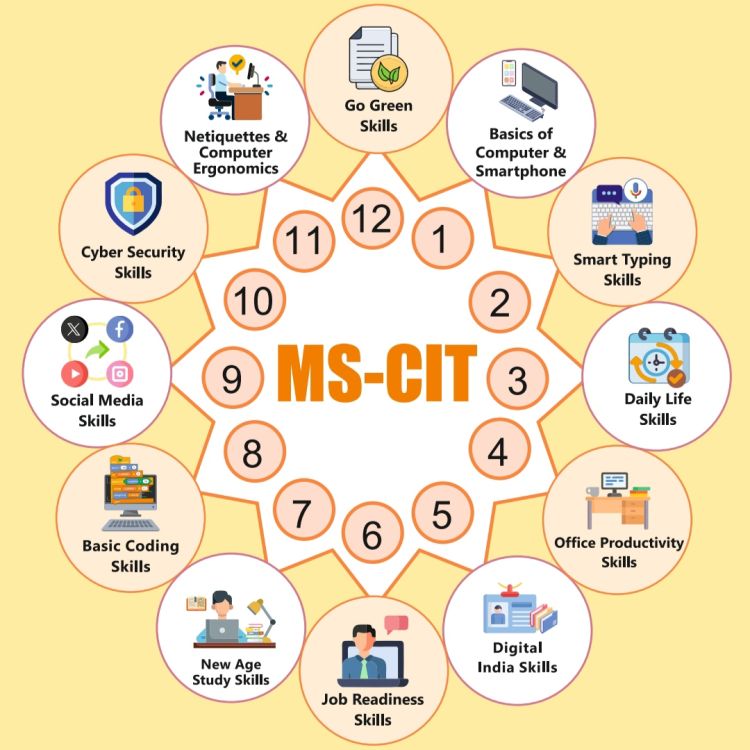
Course Code : SICT-MSCIT

Course Code : S-SICT-TALLYXPERT
Course Code : S-SICT-ADVEXCEL

Course Code : S-SICT-GRAPHIC
Course Code : S-SICT-CORE PYTHON

Course Code : S-SICT-ADVPYTHON

Course Code : S-SICT-DATASCIPYTHON

Course Code : S-SICT-PYTHON AI / ML
Course Code : S-SICT-DATA ANALYST
Course Code : S-SICT-COREJAVA
Course Code : S-SICT-ADVJAVA
Course Code : S-SICT-SPRO

Course Code : S-SICT-SPRO6
Course Code : S-SICT-AI ML

Course Code : S-SICT-H AND N
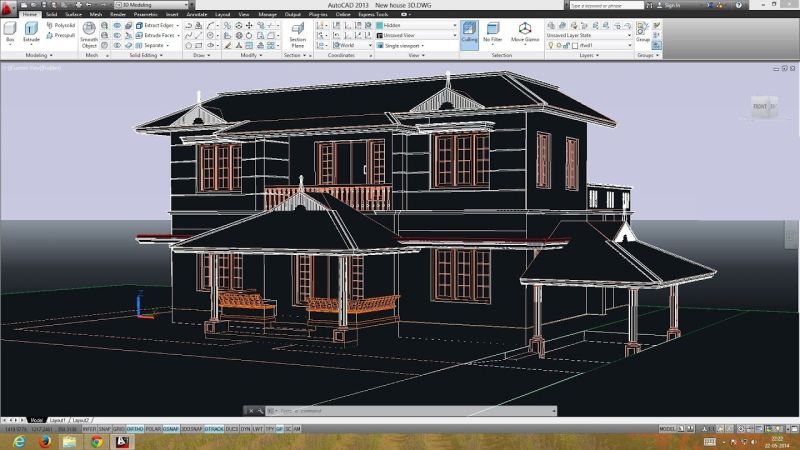
Course Code : S-SICT-CAD

Course Code : S-SICT-C++

Course Code : S-SICT-3DS

Course Code : S-SICT-WEB
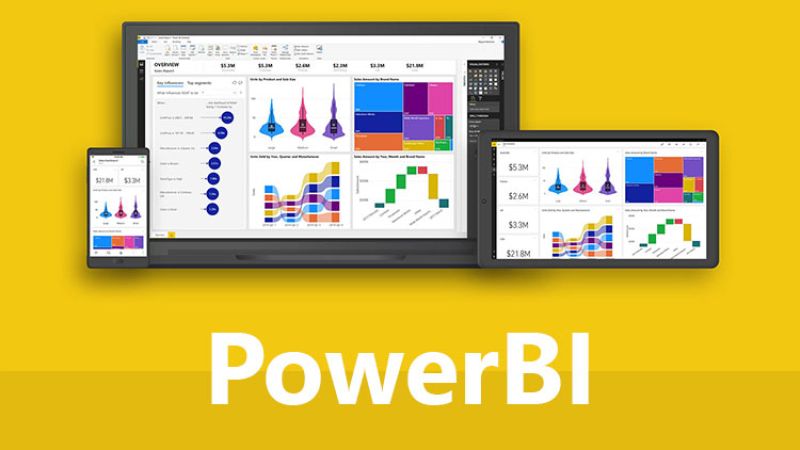
Course Code : S-SICT-BI

Course Code : S-SICT-SCRATCH