
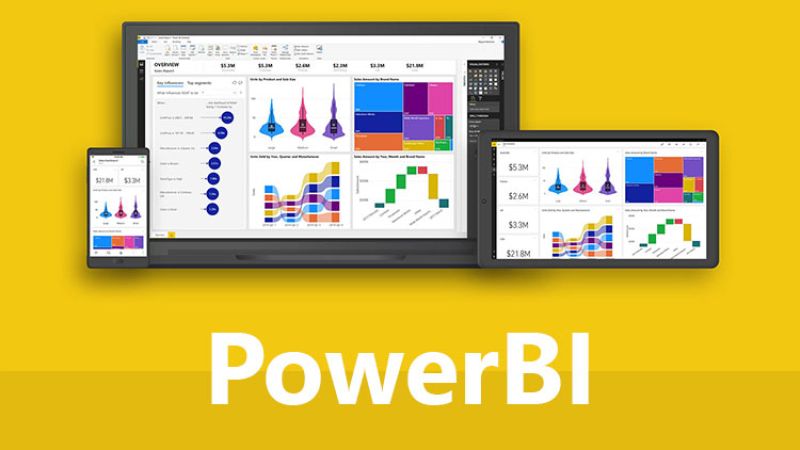
Course Content
Introduction-Power BI Desktop
Ø Overview of PowerBI
Ø Installation
Ø Settings
Data Transformation
Ø Types of Data Source Connection
Ø Loading Data
Ø Query Editor
Ø Groups
Ø Transform Data
Power Query
Ø Remove rows & columns
Ø Replace Values & errors
Ø Conditional columns
Ø Custom columns
Ø Sorting & changing type of columns
Ø Filtering data
Ø Group by
Ø Merge & append query
Ø Pivot & Unpivot
Visualisation
Creating Charts & tables
Ø Bar chart, Area chart, funnel chart, Pie chart, Donut chart, ribbon chart, Waterfall chart,
Ø Scatter chart, Treemap, Map chart, Gauge chart
Ø Creating Tables with conditional formatting
Ø Creating Matrices with multiple drills
Ø Using filters & Slicers
Ø Using & modifying legends & Tooltips
Ø Using Drill through in multiple files & setting connection
Functions
Ø Making cards & using aggregate functions
Ø Date and time functions
Ø Calculated Columns
Ø Inserting measures
Ø Related functions
Making Dashboard
Ø Buttons, shapes, Images, Text box
Ø Q & A setup
Ø Creating reports & Publishing
Ø Using all charts & tables
Ø Slicers
Ø Narratives
· Key influencer Model
· Decomposition Tree model
· Data Modelling: Managing Data Relationship
· Creating calculated Measures
· Creating calculated columns
Dax query
Ø Operators , variables
Ø Text functions
Ø Filter functions
Ø Iterator functions
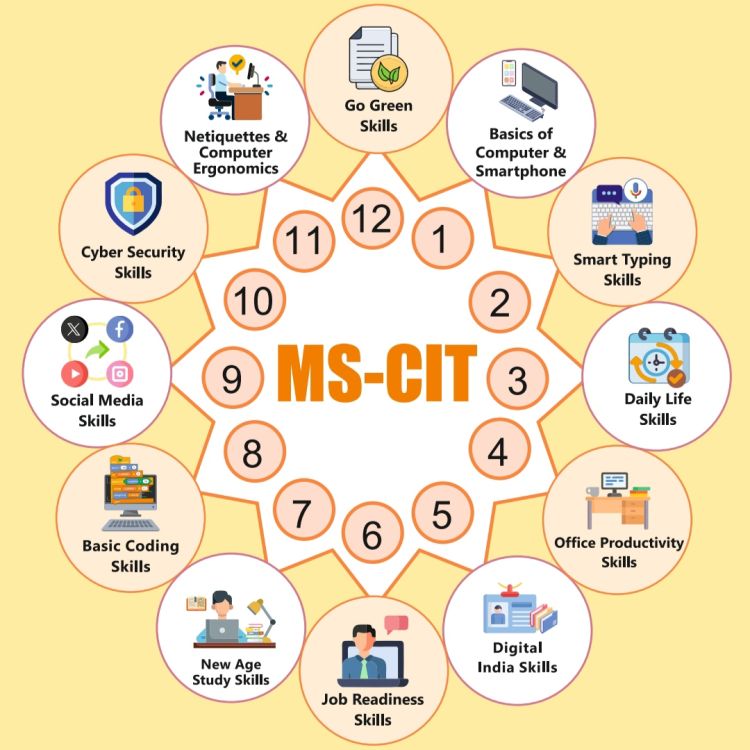
Course Code : SICT-MSCIT

Course Code : S-SICT-TALLYXPERT
Course Code : S-SICT-ADVEXCEL

Course Code : S-SICT-GRAPHIC
Course Code : S-SICT-CORE PYTHON

Course Code : S-SICT-ADVPYTHON
Course Code : S-SICT-DATASCIPYTHON

Course Code : S-SICT-PYTHON AI / ML
Course Code : S-SICT-DATA ANALYST
Course Code : S-SICT-COREJAVA
Course Code : S-SICT-ADVJAVA
Course Code : S-SICT-SPRO

Course Code : S-SICT-SPRO6
Course Code : S-SICT-AI ML

Course Code : S-SICT-H AND N
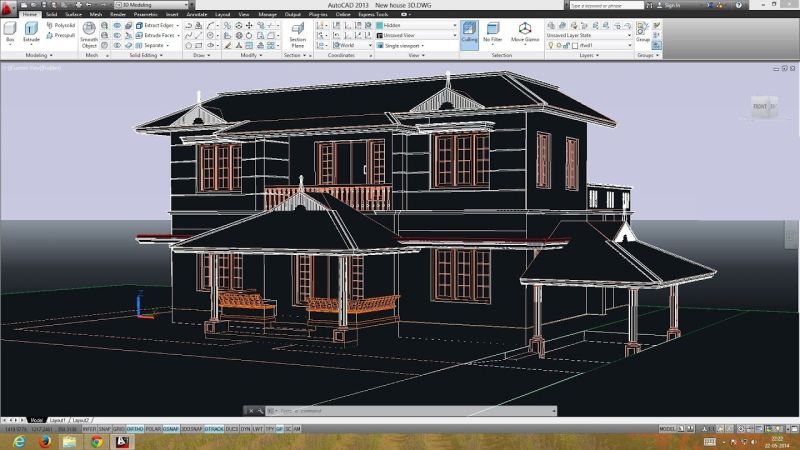
Course Code : S-SICT-CAD

Course Code : S-SICT-C++

Course Code : S-SICT-3DS

Course Code : S-SICT-WEB
Course Code : S-SICT-BI

Course Code : S-SICT-SCRATCH